
We rebuilt how ConveyorAI answers
Since our founding ConveyorAI has run on retrieval. Ingest your knowledge, index it, find the closest chunks when a question comes in, hand it to the best model available, generate an answer. We spent years sharpening every layer of that, and it works. Hundreds of customers love it and many experience 90% answer accuracy and above.
We rebuilt it anyway.
This month we've shipped our new Agentic Answer Engine. It's a more human approach to using AI to solve customer trust. It reads what comes in and plans how to tackle it. It pulls the context each question actually needs. It hands work to sub-agents with real tools for finding information. It checks whether an answer is complete, and iterates when it is not. Then it packages everything back into a finished, customer-ready document. It also shows you its reasoning, what it tried, which sources it weighed, where it was unsure, instead of handing you an answer out of a black box.
The result is better answers, cleaner knowledge, and new use cases for Conveyor unlocked.
For a deep dive on the Answer Engine, read why we rebuilt an answer engine that was already 95% accurate.
Here's everything that shipped in August.
ConveyorAI for RFPs
I'll be honest, our old engine struggled with RFPs. The approach matched the flawed approach of the industry leaders in RFP "AI" software. The new engine is a huge upgrade to our RFP solution.
Security questionnaires and RFPs are not the same problem. RFP questions are far more varied. They demand real control over how an answer is worded, customized per vendor and per the specific customer reading it. Security answers need precision and RFP answers need persuasion, and ConveyorAI has to know the difference. Retrieval alone could not get there.
The new agentic flow can. So we rebuilt ConveyorAI for RFPs on top of this new answering engine. At the same time we rebuilt the Word experience, and added a new workspace built for proposal work. It's part of a massive investment into our RFP tools.
Any RFP customer can turn on the new engine today. If you are not using Conveyor for RFPs yet, your CSM can loop in our team and we will help set up your knowledge base for free.
To get started: an admin can set the agentic pipeline as the default for proposal questions in Settings, Answering, Custom Instructions. Read the full launch story · Watch the walkthrough
The new Word experience, now covering RFPs
Word has been a challenging format for a long time. Extraction was hard, there was no way to fix a bad mapping, and every export meant too long of a wait. We rebuilt that too.
Now your document loads in the browser exactly as it looks in Word, and Conveyor builds an outline of every question it finds while it parses. Drag over a section to rescan if it missed something. Hover to remove anything that is not really a question. Conveyor drafts an answer for each one and places it back in the document, one to two minutes depending on size. Blue highlights show what AI touched, and each one clears the moment you edit that answer yourself, because a human has reviewed it at that point. Export is instant and the file matches the preview.
This landed in Labs for security questionnaires in mid-August. Days later we extended it to all proposal questionnaires and to security questionnaires inside an RFP project, which is where most Word documents actually show up. Real-time collaboration is next.
To get started: opt in when you add a new Word document. See the walkthrough
Your Trust Center can now answer AI agents directly
We shipped an AI Connector for Trust Center visitors. It is an MCP server that lets your customers point their own AI tool or agent at your Trust Center, gather the documents they need, get their questions answered, and run their risk assessment with no human in the loop on either side.
Every authorization rule you already set still applies. The agent authenticates as the person behind it, so access groups, NDA gates, and document permissions behave exactly as they do for a human visitor. Logins, document access, and questions asked all land in your logs like any other visit. And because nothing needs a person to intervene, your customers can put periodic reassessment on a schedule instead of emailing you every year.
This is opt-in. Once you turn it on, visitors see a small invitation to connect via MCP, with setup instructions and example prompts.
One reason not to sit on it: FedRAMP 20x includes a programmatic access requirement that lands January 1, 2027. The AI Connector is how you meet it.
To get started: turn on "Enable visitors to connect via MCP" in Settings, Trust Center, Trust Center Agent. Read the docs
Trust Center feedback data, now in the API and MCP
Visitors have been rating your Trust Center answers for a while. That data now comes out through the API, so it can live in the same dashboards as the rest of your reporting.
GET /api/v2/trust_center/feedbacks returns survey responses with ratings, comments, and source. Filter by source, rating, and date range, with standard pagination. The same data is exposed as an MCP tool, so an agent connected to Conveyor can read it directly and tell you which answers land with buyers and which need work. Access follows the Trust Center Designer permission set.
To get started: generate an API token in settings and call the endpoint.
Questions route themselves to the right expert
When ConveyorAI answers a questionnaire, some questions still come back unanswered or flagged. Conveyor already suggested the right SME group for each, but somebody had to accept every suggestion by hand. In July we made that automatic for questionnaires arriving through an intake source. In August we extended it to every questionnaire, however it reached you.
Turn it on and any new unanswered or flagged question gets assigned to its matched group, and that group gets notified, exactly as if a teammate had accepted the suggestion. Manual routing is where questionnaires sit and go stale, so this is one of the higher-leverage settings in the product.
To get started: turn on "Assign the suggested group automatically" in Settings, Workflow Automation, Team Routing. Set up your groups there first. Read the docs
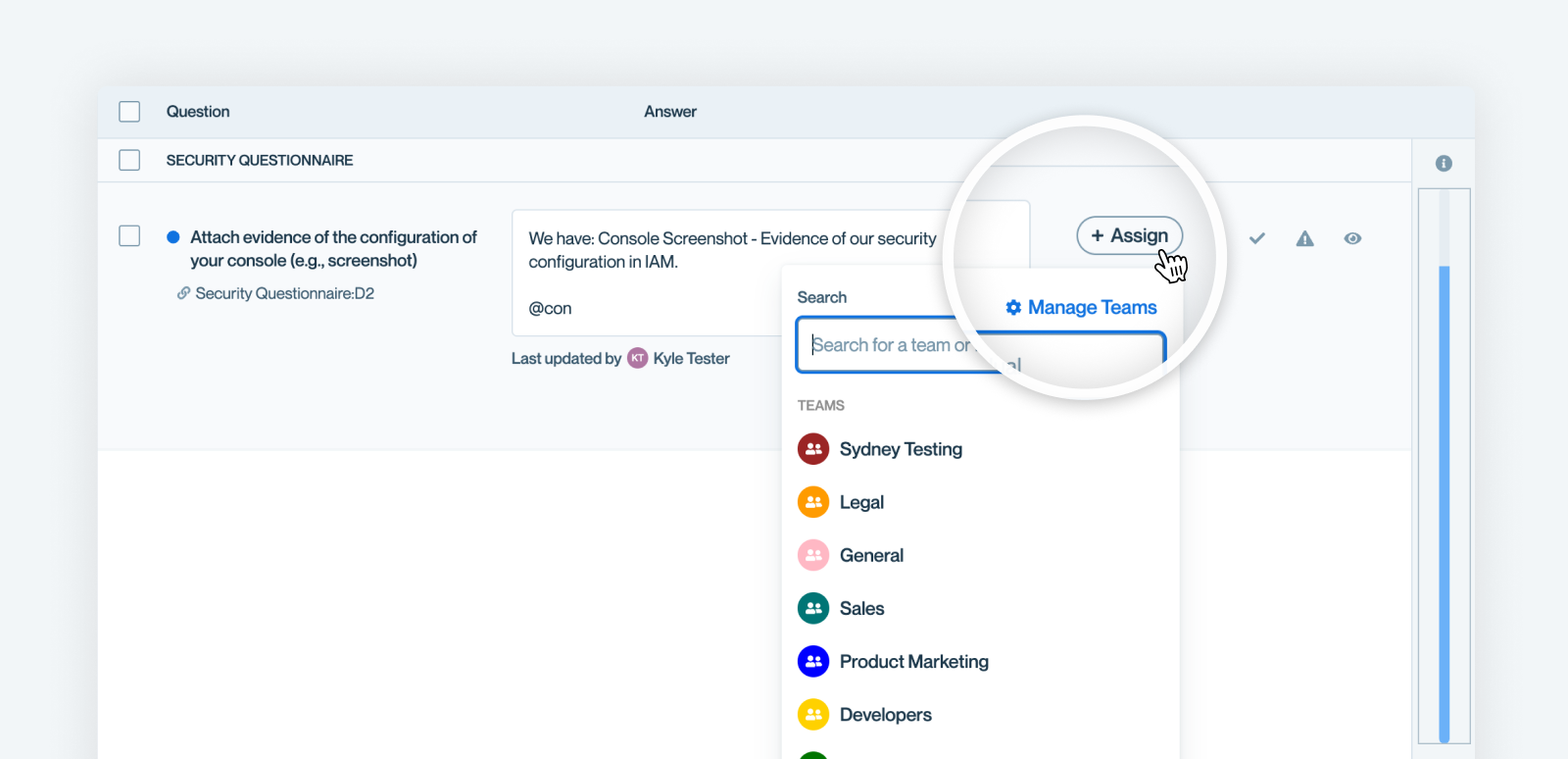
Slack intake you can set up yourself
Slack intake used to require us. You asked for it, we configured things on our end, and only then could you start sending questionnaires through. That gate is gone for new customers.
Slack Intake now ships enabled by default under Settings, Workflow Automation, Automation Rules. Connect your Slack workspace, add the Conveyor bot to the channel you want, run /conveyor subscribe questionnaire, and you are running. Admins can also now edit most automation rule settings themselves, including what content is in scope, how many questions a rule handles, update requests, answer status checks, and whether complete materials go back to the source.
New customers for now. If you are an existing customer who wants Slack intake, reach out and we will get you set up.
To get started: Settings, Workflow Automation, Automation Rules. Read the docs
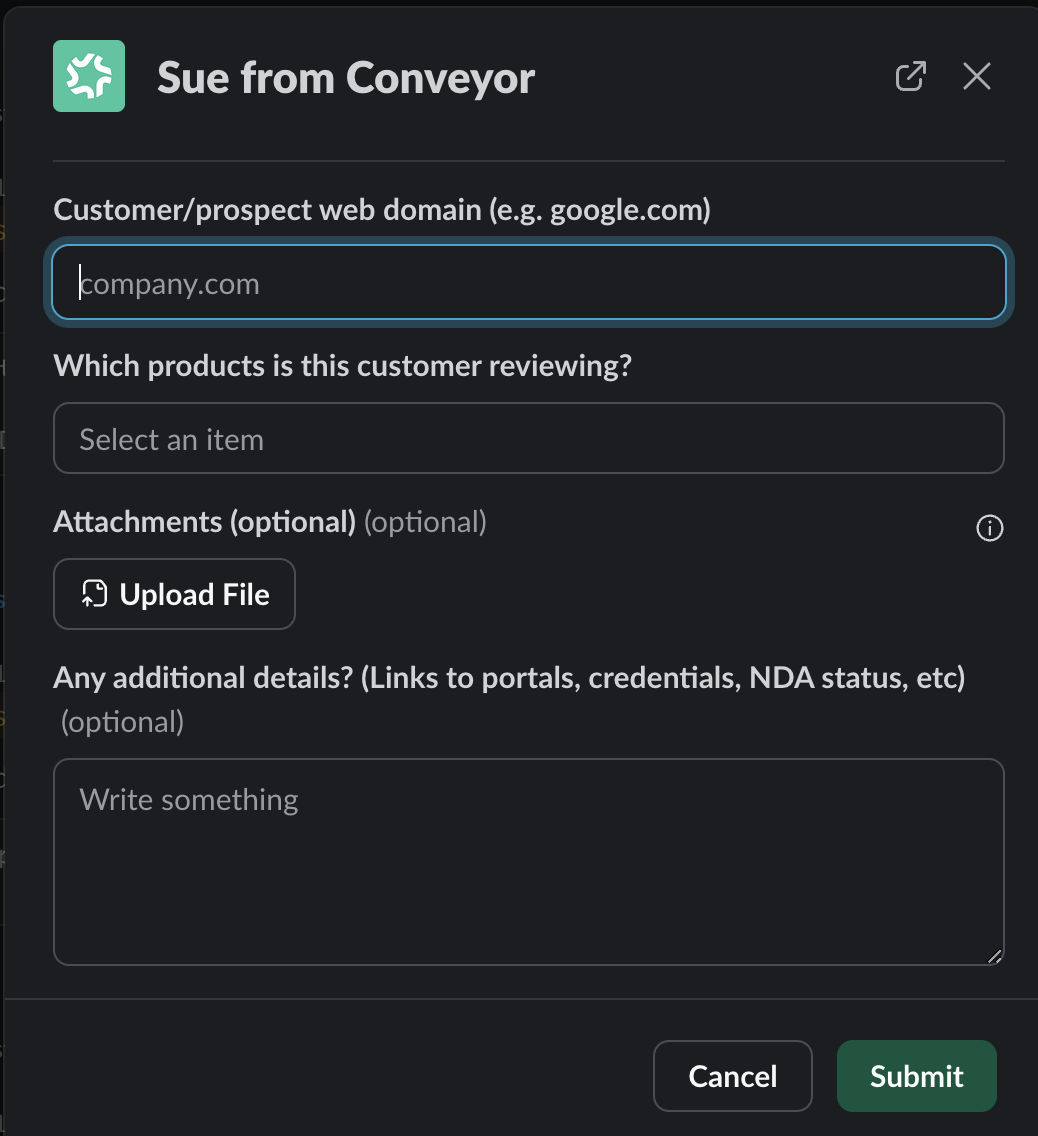
Follow-up questions in Slack threads
Asking ConveyorAI a question in Slack used to mean one question per thread. Ask a follow-up and you started over, re-picked your product line, and lost the context.
Now a thread holds a conversation. ConveyorAI carries the product line forward from your first question and remembers the full exchange, so "what about in the EU?" or "can you expand on that?" just work. Every follow-up needs a ConveyorAI mention, and that is the only rule. This was the single most requested change across roughly 20 customer interviews, and it is on by default for every Slack integration.
To get started: nothing to do. It can be turned off in Organization Settings if you want the old behavior.
SharePoint joins Google Drive as a knowledge source
For a lot of organizations, SharePoint is where the security and compliance documentation actually lives. Getting that content into Conveyor meant exporting and re-uploading, and your knowledge base drifted out of date the moment someone edited a doc.
Connect SharePoint and you can sync whole folders, where new files are picked up automatically and nested subfolders sync recursively, or sync individual files and bring nothing else along. Same capability Google Drive has had.
To get started: add the SharePoint integration in your integration settings. Read the docs
That's it, for now
The new answering engine is a foundation, not a finish line. Stronger feedback loops, an interactive mode where you work through an RFP alongside the agent, more of the knowledge library becoming self-maintaining: that is what gets built on top of it next.
Almost everything above started as something a customer said out loud, and several of you tested the new engine in your own environments before anyone else saw it. Keep it coming. Tell your CSM or submit a feature request, and see everything we shipped in the full changelog.
.png)

-p-1600.avif)