We’re seeing more and more of our Customers use Conveyor without logging into our software. That’s right, they use Conveyor via Claude or OpenAI via our new AI Connector, if you haven’t tried it out learn more here. But at the same time we also see a lot of users using our UI exclusively, either they’re not ready or don’t want to access Conveyor via AI. And furthermore we’re seeing users use both! Flipping back and forth between them as they choose. We love this and are here to support you in the way that is right for you.
When it comes to our core software we want to make sure using it feels delightful. Lately, we’ve gotten feedback around frustrating little things that hurt that goal:
- A spinner before your Trust Center loads.
- Waiting on a 9am announcement batch when your announcement needs to reach subscribers now.
- A manual export before a finished questionnaire lands back where it belongs.
One by one, we found those pain points and axed them. It felt good. We hope you notice Conveyor running a little faster and smoother next time you log in.
Read more for everything that shipped in July.
A Faster, More Responsive Trust Center
Your Trust Center is often the first thing a prospect sees from your security team. First impressions matter, so we spent July making that first look faster and more in your control.
Trust Center Pages Now Load Instantly
Trust Center pages now render on the server before they ever reach a visitor's browser. No more loading spinner while the page assembles itself. Visitors see your security posture the moment they land, search engines index your Trust Center more easily, and AI agents can read it without needing to run JavaScript first. Your work is more visible to more people, faster. This is live automatically. Nothing to turn on.
Send Announcements the Moment You Post Them
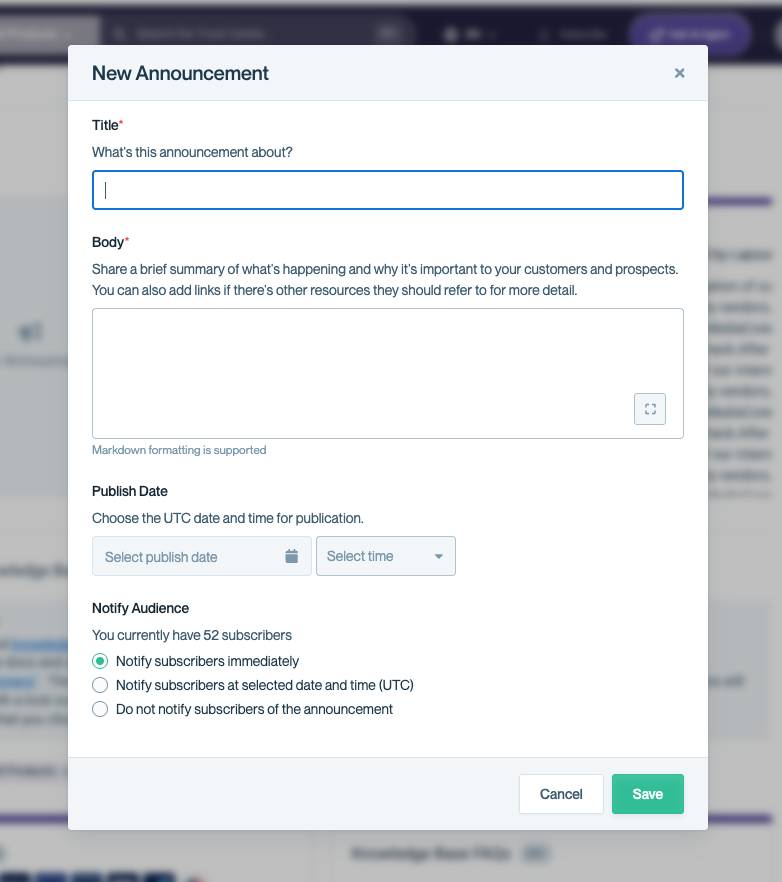
Big security news used to sit in a queue until the next 9am ET batch went out, even if you published it at 2pm. Now you choose: send the notification the instant you post, or schedule both the post and the notification for a specific time. When something urgent comes up, your customers hear about it on your timeline, not ours. Set this from the Announcements section of your Trust Center.
Bridge Letters, Generated on Demand
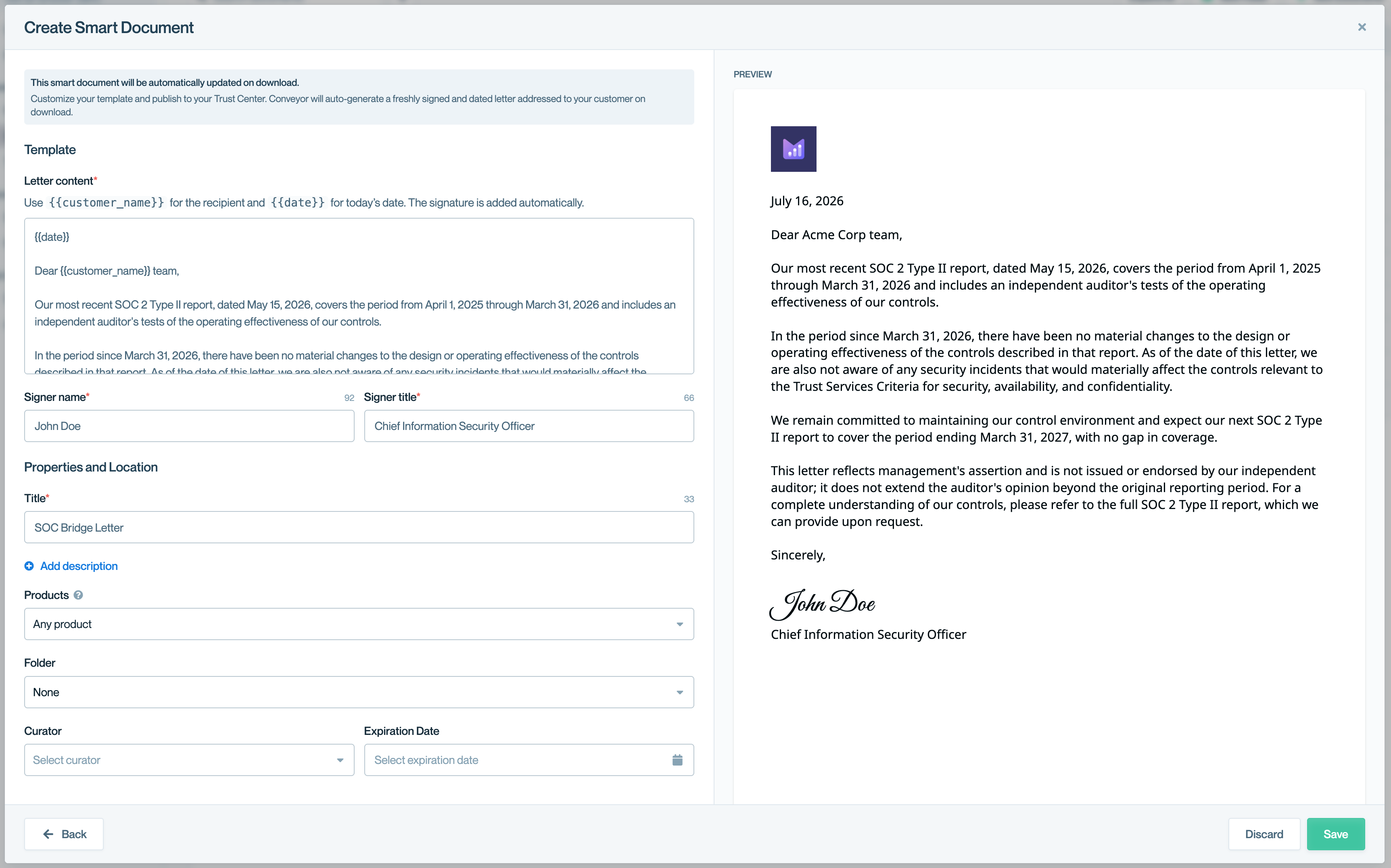
SOC reports look backward, so buyers keep asking the same question: has anything material changed since the report date? Answering that used to mean your team writing a new bridge letter by hand, every time. Now you build a Smart Document once, with a template and a date placeholder, and Conveyor generates a fresh, signed, and dated letter each time a visitor downloads it. Set it up under Documents, then Add Documents.
Auto-Assign Questions to SME Groups
When ConveyorAI answers a questionnaire, some questions still come back unanswered or flagged for review. Conveyor already suggests the right SME group for each of these (e.g. Legal, Product) but someone had to manually accept each suggestion to route it. Now, for questionnaires that arrive through an intake source (Salesforce, Slack, etc.), Conveyor can assign those questions to the suggested group automatically, no manual action needed.
To get started head to Settings → Sales Self-Serve → Automation Rules → toggle on Auto-assign questions under Post answering. Assignee groups must be configured in Team Routing first. Once turned on, any new unanswered or flagged question that ConveyorAI matches to a group is assigned to that group and its members are notified, exactly as if a teammate had accepted the suggestion.
More info about setting this up can be found here.
Your Trust Program, Already Where You Work
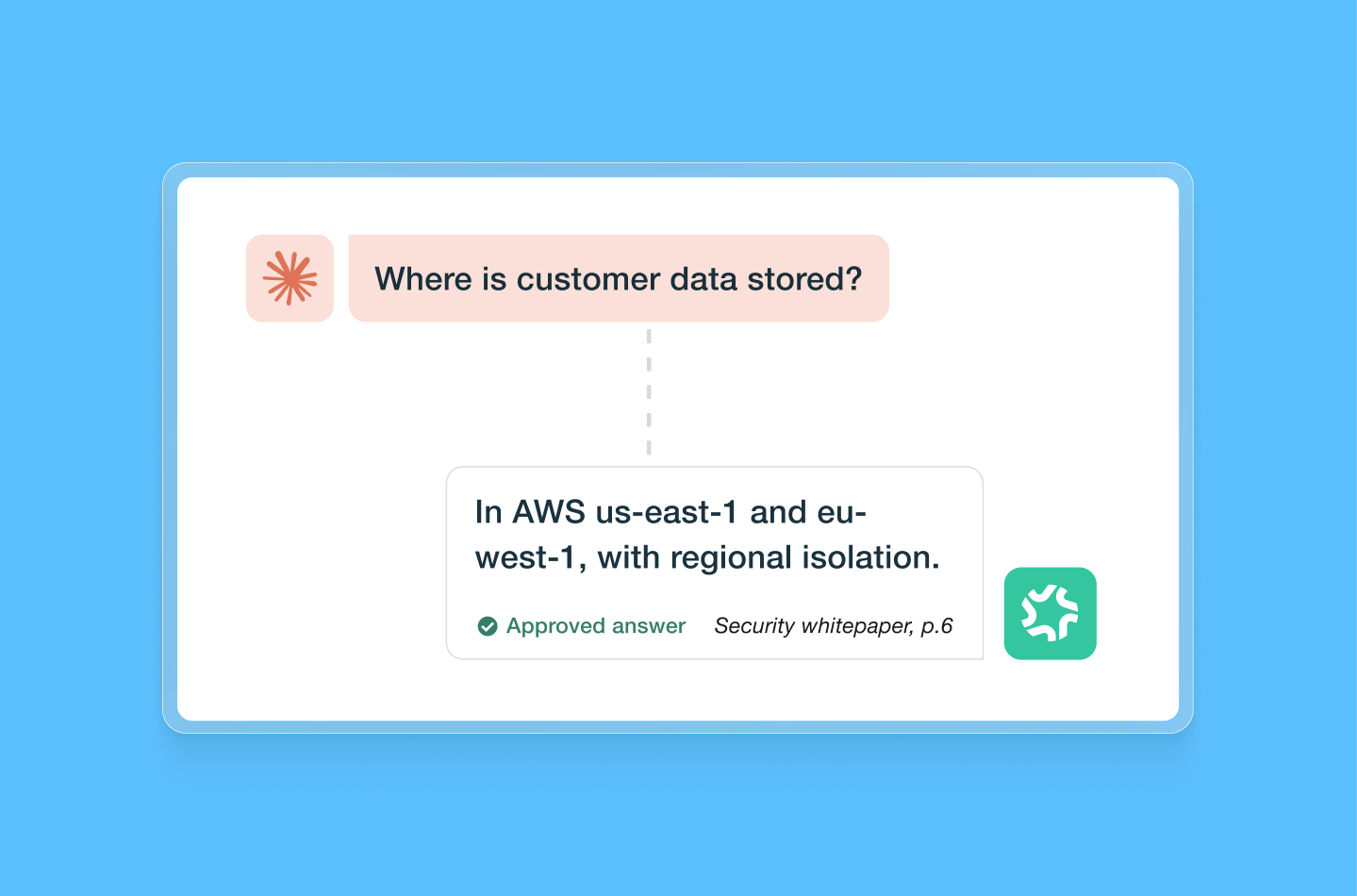
We also launched the AI Connector this month, which means your team no longer has to leave Claude, ChatGPT, Gemini, or any other MCP-compatible assistant to get an approved security answer, pull analytics, or update your knowledge base. Ask in plain language, get an answer sourced from your actual Conveyor knowledge, not a guess. If you missed the full announcement, you can learn more here.
Want to learn how Jessie Karabiyk used AI to build HubSpot's Customer Trust program? Join our webinar, this Thursday, August 13 at 2pm ET.
New Integration: Microsoft SharePoint
Connect ConveyorAI to your Sharepoint instance so your existing Docs, Sheets, Slides, and PDFs become instantly usable by AI with no manual knowledge base upkeep required. ConveyorAI reads directly from Sharepoint to generate accurate, on-demand answers for questionnaires, RFPs, and more.
This integration makes it easy to keep your documentation up to date while maintaining complete control over what content is accessible. Once connected, you choose exactly which folders and files sync into your Conveyor knowledge base .
Set up the SharePoint integration today.
Less Friction Getting In and Getting Data Out
The last thing we want to do is slow you down from your greatest work.
A Refreshed Login, With One-Click Access from Email
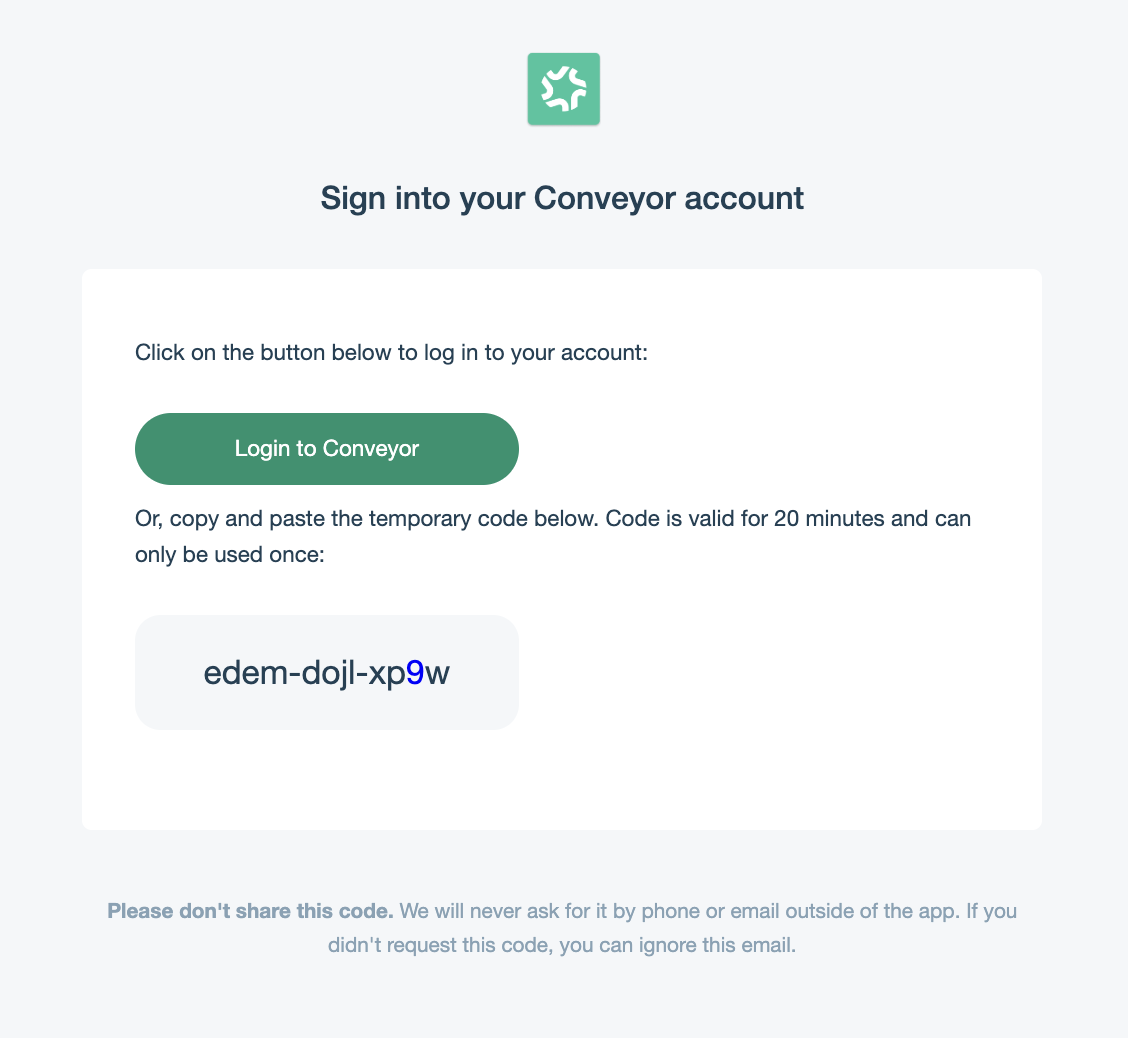
Getting into Conveyor used to mean copying a code from your inbox and hunting for the right browser tab. Token emails now include a button that opens Conveyor with your code already entered. No copying, no tab switching.
Pull Signed NDAs, Not Just the Record
You could always see who signed your NDA. Now you can pull the document itself. A new API endpoint returns the signature record along with a temporary link to download the signed NDA as a PDF, so you can bring it into your own systems instead of tracking it down by hand. Turn on the Signed Documents permission under Settings, then Integrations, then API Keys.
Learn more about the GET Signed Document API reference.
Search Your Own Knowledge, See Who's Subscribed
Two new API endpoints: one lets you run a keyword search across your curated Q&As and past questionnaire answers, and the other returns everyone subscribed to your Trust Center's subprocessor change notifications. Both are available as MCP tools too, so an agent connected through the new AI Connector can pull from your existing knowledge instead of guessing or duplicating work. No setup required. Use them with your existing API key.
See Everything We Shipped
That's it for July. If you want the full list, check out our changelog.
.png)

-p-1600.avif)