-p-1600.avif)
If you sell to Enterprise customers, you’ve felt it. The crush of customer security reviews. Before the big deal can close, a massive 546-line questionnaire spreadsheet hits your inbox with a request from sales to “get this done ASAP please”.
Your team has to drop more strategic work to decipher the questionnaire, and start copy and pasting answers. It’s manual, soul-crushing, and can become a major bottleneck to Enterprise sales growth if you don’t figure it out.
Zapier was there. The company serves 3.4 million businesses globally including enterprise customers like Calendly, Zendesk, Lyft, and Dropbox and their three-person GRC team was drowning.

They had to manually work 90% of questions from sales / customer questionnaires. They had a lean team and were juggling multiple priorities so they were capped at processing just a handful of questionnaires per month while more strategic work was also deprioritized.
They had to do something and looked to AI to help. Originally, they thought about building a DIY solution in house, but when it comes to security, LLMs get things wrong and you can’t take that risk with enterprise security teams.
So they called Conveyor for help automating their customer security reviews end-to-end
Today, they only work 20% of questionnaires, spend 75% less time on questions, and have tripled their capacity. And they did all of this with no added headcount.
Here is the exact playbook they used to turn security from a deal-blocker into a growth engine.
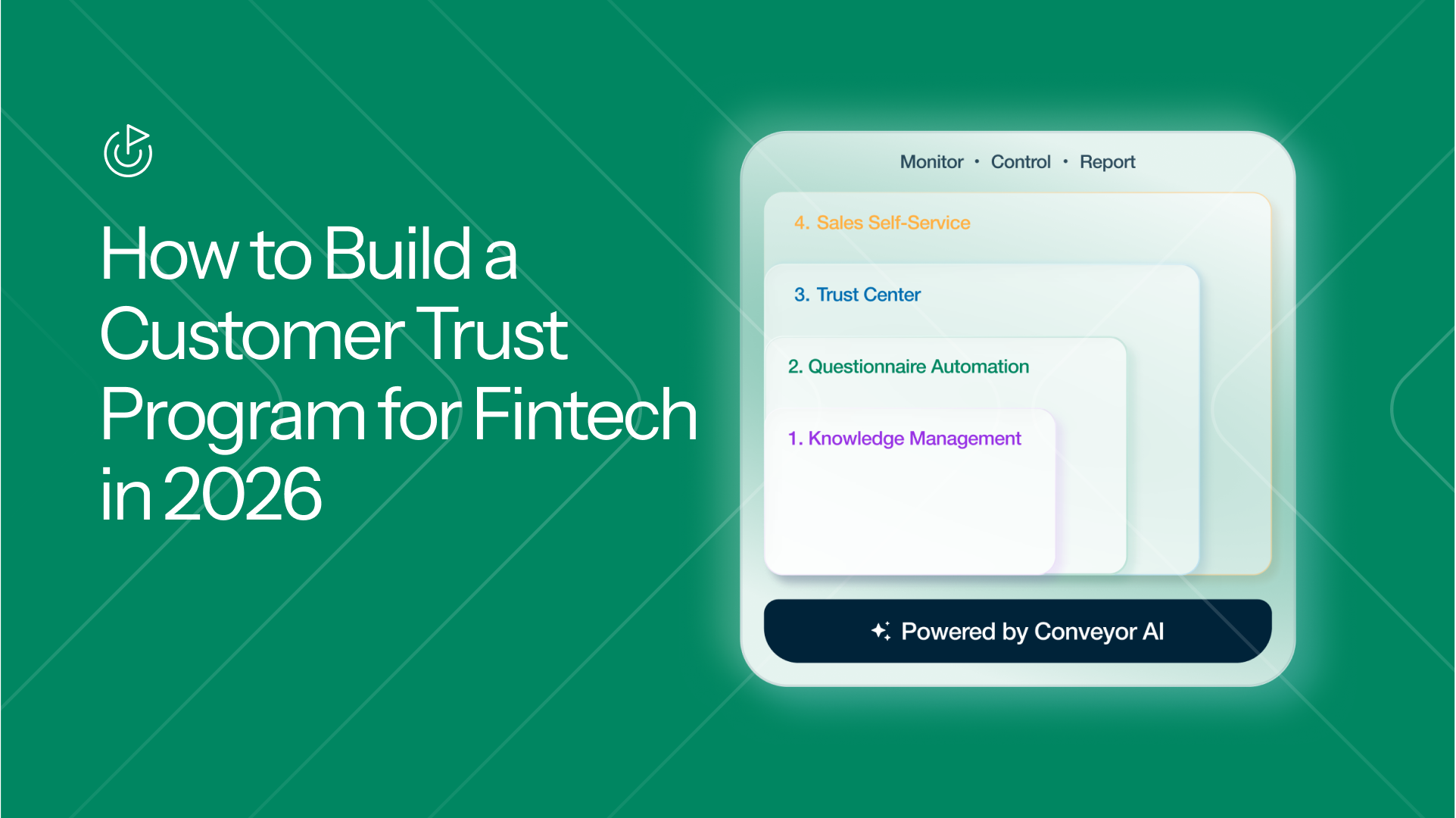
Step 1: Build a Living Knowledge Library (The "Brain")
Before fixing the output, Zapier fixed how they managed their source data. They centralized their collective intelligence by connecting 434 knowledge base items and 2,675 past answers into a single Conveyor Knowledge Library. This new single source of truth is monitored and updated by AI and powers Conveyor Agents they deploy.
- The Solution: Instead of a static database that goes stale, Conveyor’s AI acts as an automated librarian. It maintains the library and learns from every human correction to improve accuracy over time.
- The Result: This "brain" now achieves a 90% perfect first-pass answer rate for security questionnaires
- How to change: Stop reinventing the wheel. Feed your internal wikis, websites, and past questionnaires into an AI brain that uses RAG best practices to maintain accuracy and handle the first 90% of the work across Excel, Word, and PDFs.
Definition: Retrieval-Augmented Generation (RAG) is an AI framework that connects Large Language Models (LLMs) to external, real-time data sources. By "retrieving" relevant facts from outside a model's original training data, RAG allows AI to provide highly accurate, context-aware responses and reduces "hallucinations" without the need for expensive model retraining.
Step 2: Kill the "PDF Folder" and Let Customers Go Self-Service
Zapier’s old "ad-hoc" system involved sharing security documentation through PDFs stored in shared folders. Customers reach out to sales, sales contacts security, security emails sales, sales sends resources to customers… you get the picture. This manual distribution was a tracking nightmare, required too many handoffs and follow-ups, and all of this slowed down deals.
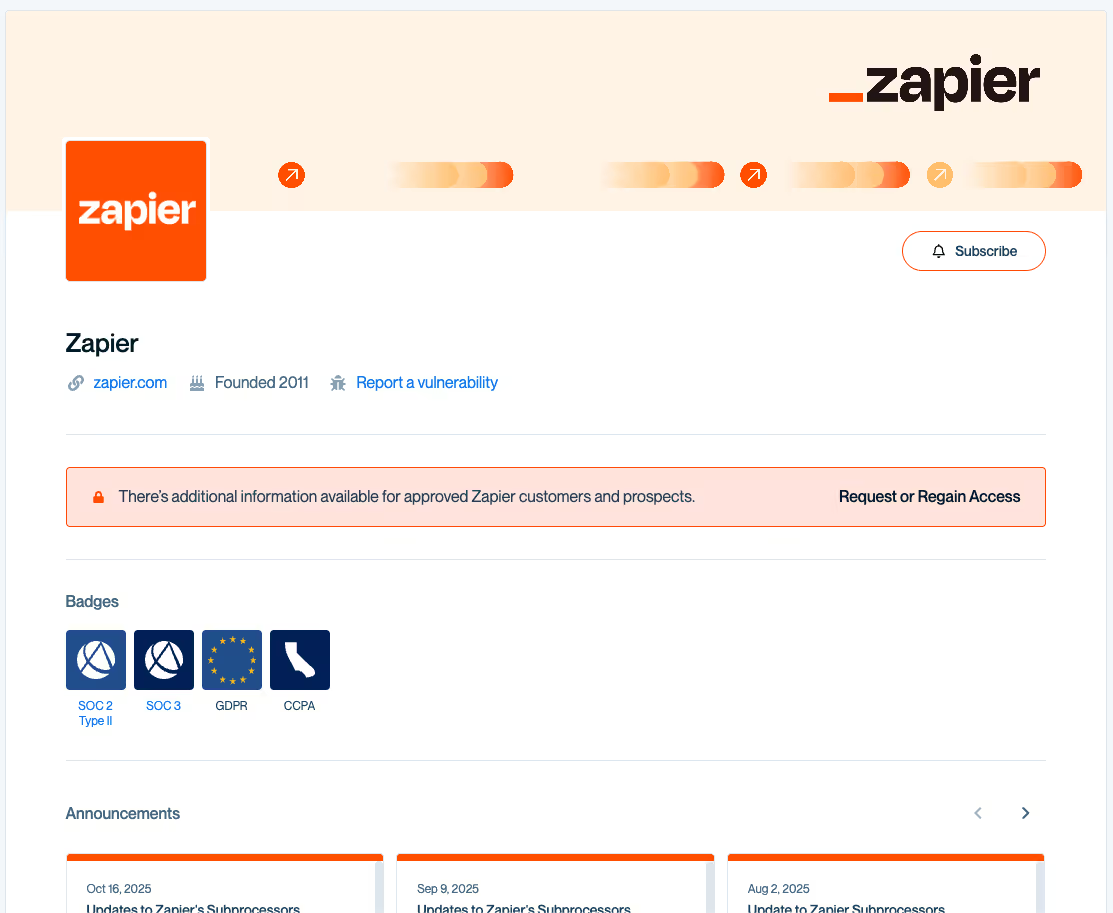
- The Solution: They launched a secure and semi public Agentic Trust Center with Conveyor. They could protect the data there by exposing it to only the right customers. Thus, moving from reactive emails to a public-facing, self-service resource.
- The Result: In its first week alone, the Trust Center logged over 100 document views from customers. To date, security documents have been downloaded over 5,000 times, eliminating thousands of manual "can you send me your SOC 2?" emails.
- How to change: Modernize the "email-and-attach" workflow. Put your standard docs behind an automated Trust Center so prospects can self-serve the moment they need them.
Step 3: Shift the GRC team from "Doers" to "Reviewers"
Previously, Zapier’s Solutions Architects (SAs) would pull answers from messy Slack threads and internal docs. If the question was complex, they’d toss it into a high-traffic security channel, forcing the GRC team to drop strategic work to play "questionnaire catch-up".
- The solution: Now, SAs upload customer requests directly to a Conveyor AI Agent. The Agent lives in Salesforce or Slack, where sales operates. It reviews questionnaires to make sure it can answer before it does answer (if it’s not the right document it rejects it and communicates with seller for what is required.) The AI Agent then generates the initial draft, and the GRC team is only tagged via Slack when a human eyes-on review is actually required.
- The results: Human intervention has plummeted. Now,only 20% of security questions require a security team member which is down from 90%, and accuracy has still been maintained to their high standards.
- How to change: Enable your sales and SA teams to tee up the first draft and let AI handle the intake process including reading tickets, requests, follow-ups, and even adjusting formatting so system can read the file. Your security team should be the final "quality control" layer instead of acting as the data entry admins.
Step 4: Solves customer portals
Enterprise buyers often demand answers be entered directly into their own portals (like OneTrust or UpGuard), which usually kills automation by forcing teams back into manual data entry, but the Zapier team was ready.
- The Solution: Zapier has deployed Conveyor’s browser extension to Security and Sales teams so they have the power of ConveyorAI in their browser. When a portal comes along they now have a built in "one-click" solution. Conveyor scans and answers the portal questions, and can also fill it in automatically using their verified AI library.
- The Results: A new confidence in AI to answer tricky questionnaires and portals. "It's comforting knowing that the AI isn't going to give me an answer that doesn't make sense," says Annie Stankiewicz, the GRC Team lead at Zapier.
- How to change: Don’t let a customer’s portal break your flow. Use a browser extension to bridge the gap between your library and their web form.
Step 5: Use Analytics to Move from Reactive to Strategic
Zapier uses Conveyor analytics to monitor and measure the customer review system they have built. It’s transforming their team and work from being seen as a reactive cost center into a strategic partner. Annie relies on this data to keep the system working and to report on her team's impact.
- The Solution : By identifying trends in what buyers are asking, the team can address concerns before they even become a questionnaire request.
- The Results: Systemic change, not just AI that improves a task. “With Conveyor, we’ve shifted from chasing questionnaires and documents to running a scalable, automated trust program that keeps up with Zapier’s growth.” – Annie Stankiewicz, GRC Program Manager at Zapier
- How to change: Analyze the data for proactive areas to tackle. If you see a spike in questions about a specific encryption standard, publish a whitepaper on it so the next 100 prospects don't have to ask. Also, use customer security review data (deals influenced, time saved, % more customers served) to tie your efforts to revenue. This is the key metric leadership teams care about today.
Automate and scale your Customer Trust Program today
The next time a 546-line spreadsheet lands in your inbox with an "ASAP please" note from Sales, it doesn't have to signal a day of soul-crushing labor.
Zapier’s journey proves that the "crush" of enterprise security reviews isn't mandatory so, steal their playbook and move from manual "doing" to AI-powered "reviewing,".
This helps your team move faster and unblocks enterprise sales growth.
Today, those massive questionnaires are no longer a threat to Zapier's momentum as they continue scaling their ‘touchless’ vision for customer security requests with ConveyorBy stealing this playbook, you can stop being the department of manual admin type work and help the business grow by helping sales close big deals faster.
.png)